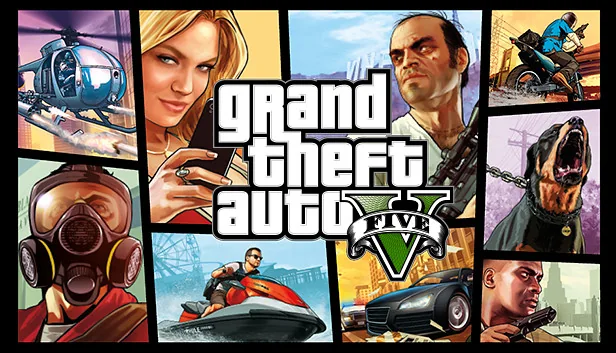

For an installed PC copy, Rockstar Games Launcher has a launch argument for offline Story Mode. The initial PC setup requires a Rockstar account. On consoles you can play Story Mode without a Rockstar account.
Set the argument for GTA V
Sign in to Rockstar Games Launcher, open Settings and select Grand Theft Auto V on the left. Enter -scofflineonly in Launch Arguments, including the leading hyphen. Switch to Games, click Play and enter Story Mode. You can also start GTA V from your usual launcher.
Source: Rockstar’s offline launch instructions, Rockstar’s account requirements
Restore online access
To join GTA Online, sync cloud saves or check for updates, close GTA V. Remove -scofflineonly from the same launcher field and relaunch with an internet connection. Try entering GTA Online from this new session.
Sources
Interfaces and rules can change. Check the official pages above for current requirements.